Revid AI Review — Best AI Tool for Faceless YouTube Videos?
Create viral faceless videos with AI.
If you’ve ever wanted to create short-form videos quickly without spending hours editing, Revid AI might be the tool you’ve been looking for.
I recently tested it out, and in this post, I’ll walk you through what you can do with it, how it works, and whether it’s worth the price.
Getting Started with Revid AI
Once you log in, the dashboard is clean and simple.
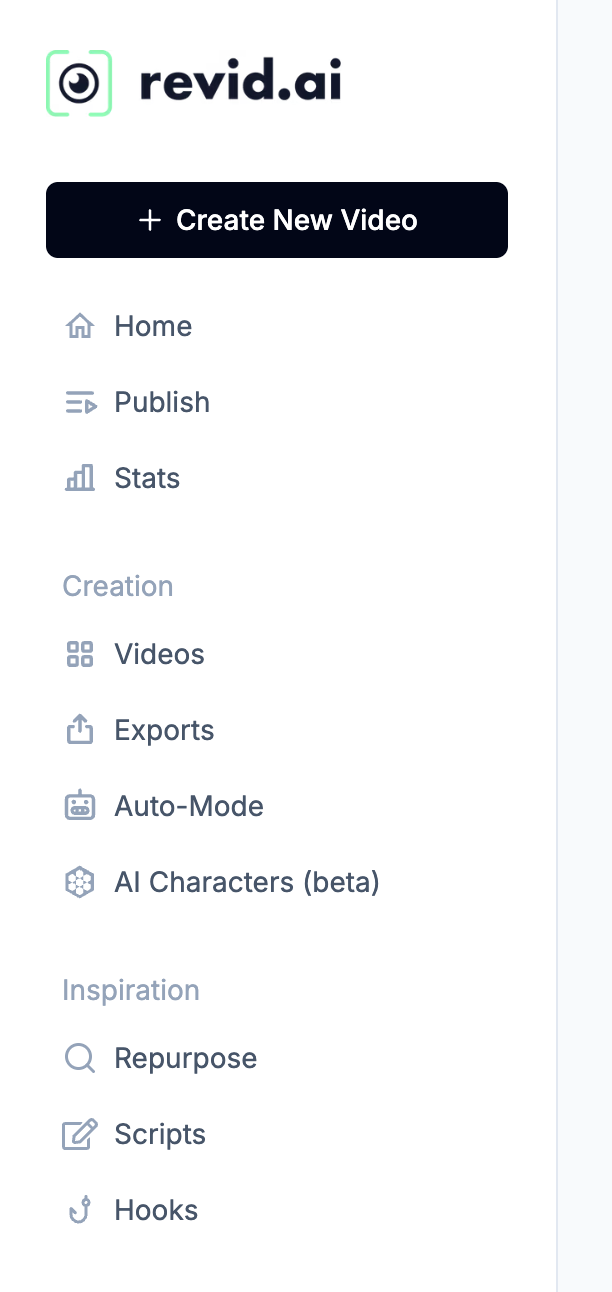
You can start creating videos immediately from the left or right panel, but before diving in, it’s worth exploring some of Revid AI’s built-in features:
- Auto-publish → Schedule and automatically post to TikTok, YouTube, or Instagram.
- Analytics → Get insights into how your content performs across platforms.
- AI Workers (Auto Mode) → Set up “workers” that generate one AI video per day. Perfect for content repurposing or daily posting.
- Content Repurposing → Transform YouTube videos into shorts, or turn LinkedIn/X posts into video content.
- AI Avatars → Generate talking avatars for scripted content.
- Viral Research → Find trending TikTok videos in your niche for inspiration.
- Script Tools → Generate scripts or polish your hooks without spending credits.
Types of Videos You Can Make
Revid AI isn’t just a single-purpose app. It offers a wide range of video creation options, including:
- Script-based videos
- Music videos
- Turning articles into videos
- Talking avatars
- YouTube long-form content to shorts repurposing
- Cartoons, quizzes, Reddit-to-video, Twitter-to-video, LinkedIn-to-video
- Gameplay-style shorts (Subway Surfers, Minecraft, Fortnite, etc.)
In short, if you can imagine it, Revid AI probably has a template for it.
My Test Project: A History-Themed YouTube Short
To see how it works, I tried making a short video about fun history facts.
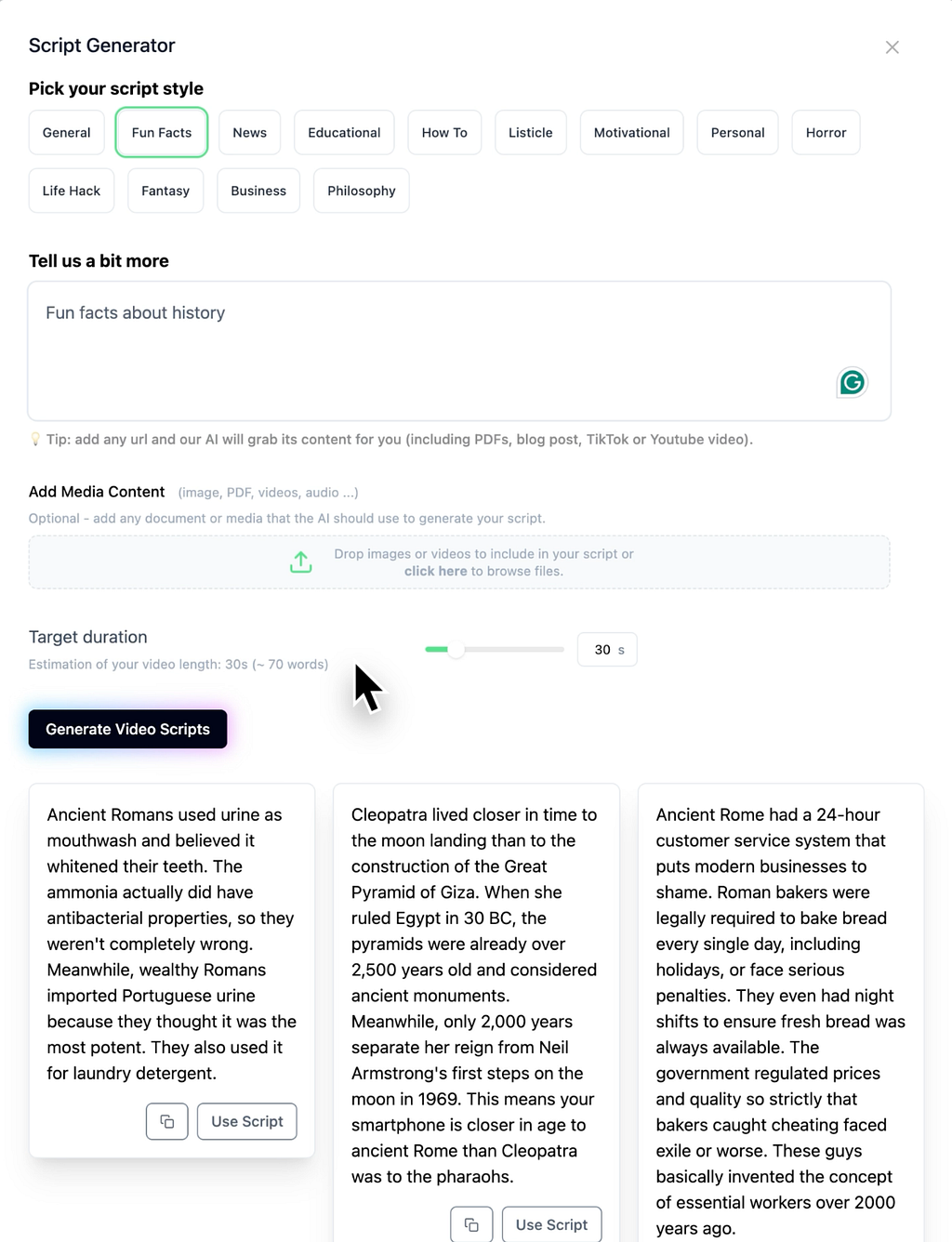
Script Generation → I used Revid AI’s script generator, which gave me three options. I chose the longest one (~30 seconds).
For the video style, you can choose from AI videos, moving AI images, stock footage, or gameplay background videos.
I went with “moving AI images” because it’s cheaper on the credits.
- Styles available include Studio Ghibli, Pixar, anime, black-and-white, Lego, sci-fi, pixel art, manga, and more.
- I stuck with the default Pro model since Ultra costs more credits with only minor quality differences.
Voice & Music →
- Revid AI offers AI voiceovers with multiple accents, languages, and tones.
- You can also record your own or remove narration entirely.
- For background audio, you get access to trending TikTok music and an audio library.
My test video took about 70 seconds to render.
The result? A polished short with smooth narration, relevant AI-generated visuals, and crisp captions.
Editing & Customization
After generating your video, you can make any changes you want using Revid AI’s built-in editor. It works like a standard video editor:
- Replace or regenerate images
- Edit or swap voice-overs
- Add text overlays and captions
- Adjust transitions (though I’d avoid the “dynamic” ones — they’re a bit dizzying!)
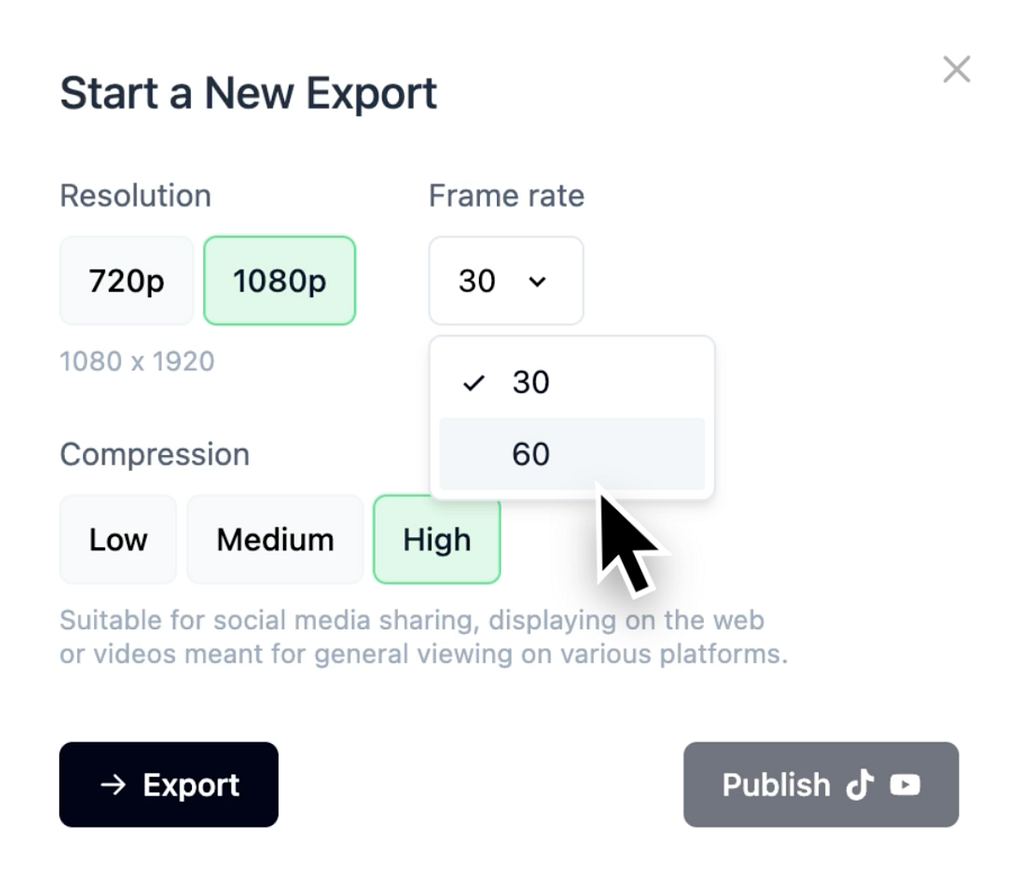
- Export in 720p or 1080p at 30/60 FPS
Publishing is just as simple. Either download the file or push it directly to your connected social channels.
Pricing Plans
Revid AI’s pricing is subscription-based.
Each month, you’ll get a number of credits, and each video you create costs a certain number of credits, depending on the video style and quality.
Unfortunately, it’s not unlimited videos, but even the cheapest plan allows you to create enough videos for a month.
- Growth Plan ($39/month) → 2,000 AI credits (~30+ videos depending on settings)
- Elite ($89/month) → 5,000 AI credits and 5 AI workers
- Ultra Plans ($199/month) → 12,000 AI credits and 10 AI workers
You can also choose to pay yearly and get 2 months free.
Final Thoughts
What I liked most about Revid AI is the time it saves.
Instead of juggling multiple AI tools, image generators, voiceovers, and video editors, it handles everything in one place. Within minutes, you can go from an idea to a ready-to-publish video.
That said, the key to success still lies in your scriptwriting. While Revid AI can generate scripts, crafting your own will lead to far better results.
If you’re a content creator, social media manager, or just someone who wants to post consistently without spending hours editing, Revid AI is worth trying.
Affiliate Disclaimer: This post contains affiliate links. If you make a purchase through these links, I may earn a commission at no extra cost to you. I only recommend products/services that I believe are valuable.
Thank you for your support!